VAME App

VAME App is a no-code application that lets you run the entire VAME pipeline from your browser — no scripting required.
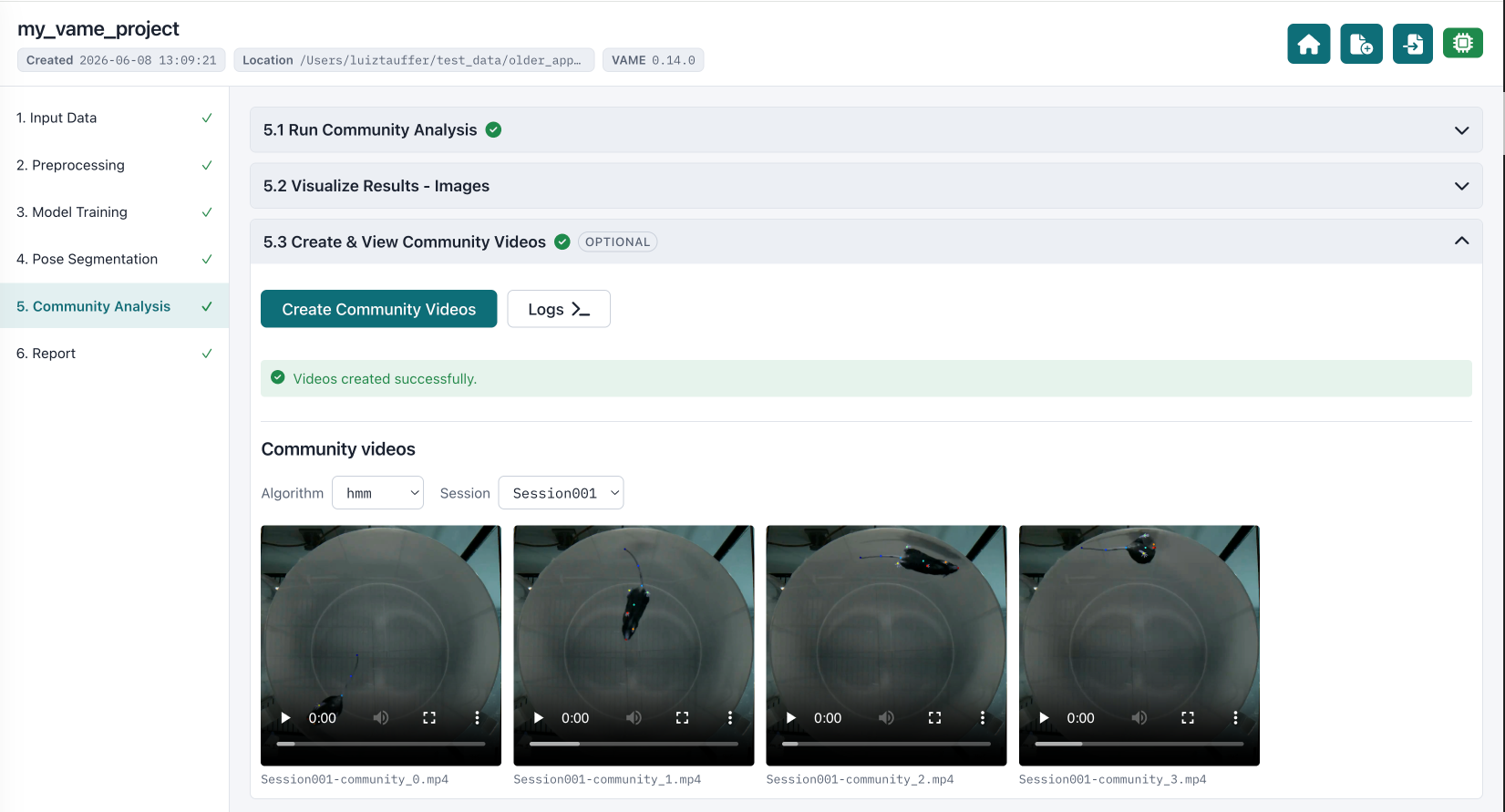
If you prefer working in code, the Getting Started guide covers the Python API instead. VAME App and the Python library operate on the same project format, so you can move between them freely.
Requirements
- Python ≥ 3.12
- ffmpeg (needed for some video/image functions)
- A modern browser (Chrome, Edge, Firefox, or Safari)
Installation
pip install vame-app
Running the app
vame-app
This starts the local server and opens the app in your browser. To stop it,
return to the terminal and press Ctrl+C.
Command-line options
vame-app [--host HOST] [--port PORT] [--data-root DIR] [--no-browser] [--dev]
| Flag | Default | Purpose |
|---|---|---|
--host | 127.0.0.1 | Interface to bind. Use 0.0.0.0 to expose on the LAN. |
--port | 8641 | Port to listen on. Use 0 to auto-pick a free port. |
--data-root | home directory | Root the in-app file browser may traverse. Restrict this on shared servers. |
--no-browser | off | Don't auto-open the browser. |
--dev | off | Use the Flask dev server instead of waitress. |
The same options are available as the environment variables VAME_HOST,
VAME_PORT, and VAME_DATA_ROOT.
Projects are always stored under ~/vame-app/projects. The --data-root
option only controls which folders the in-app file browser can reach — it
does not change where projects are saved.
The workflow
VAME App walks you through the VAME pipeline step by step. Each step exposes the relevant parameters with sensible defaults, runs in the background, and reports its status so you always know where a project stands.
- Create a project — point the app at your pose-estimation files and set the project basics.
- Preprocess — clean low-confidence keypoints, remove outliers, and filter the pose data.
- Create the training set — choose which keypoints to include and split the data into train/test sets.
- Train & evaluate the model — train VAME and inspect the loss curves and reconstruction quality.
- Segment behavior — run motif segmentation (HMM and/or k-means) and group motifs into communities.
- Visualize & report — generate UMAP embeddings, motif and community videos, and summary reports.
Links
- PyPI: pypi.org/project/vame-app
- Source & issues: github.com/EthoML/vame-app